






Troubleshoot
This process helps identify and resolve issues with your GRABO device, ensuring optimal performance. Follow our guide to resume work without interruptions.
Troubleshooting Guide
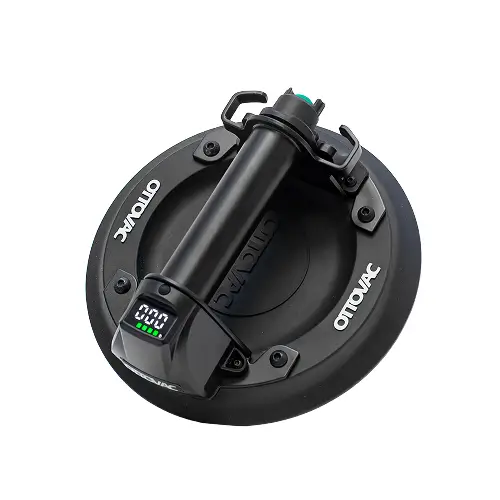
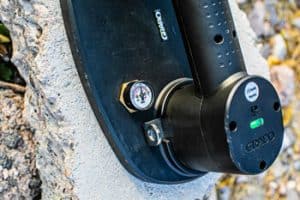
If you are having any issues with your digital display then please perform the following task to reset your digital display.

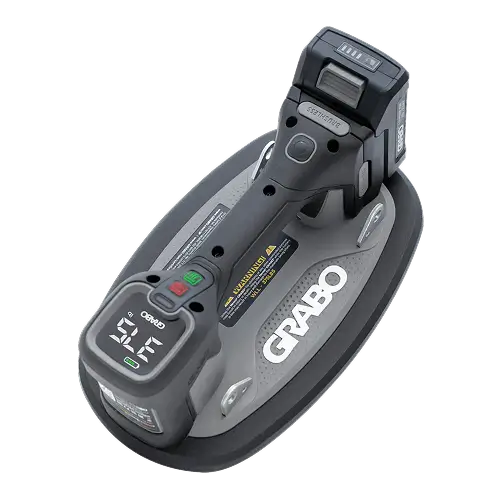
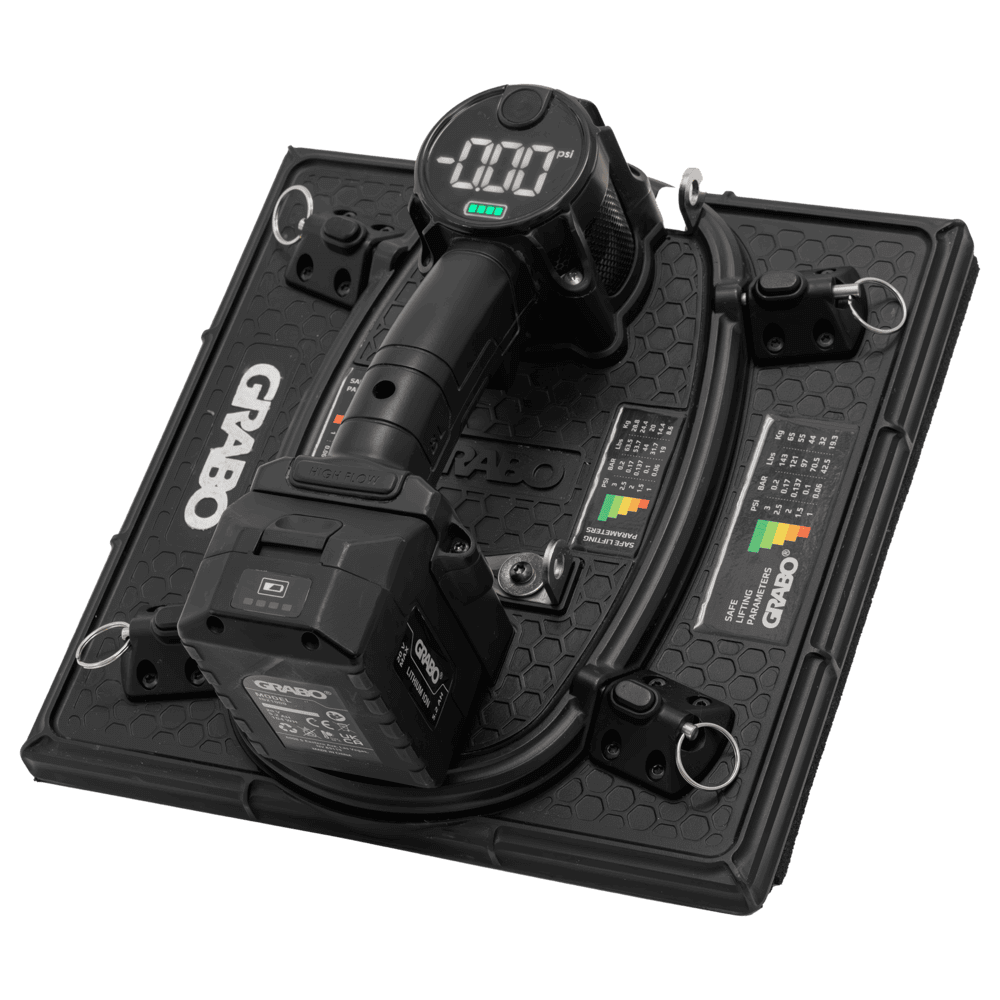
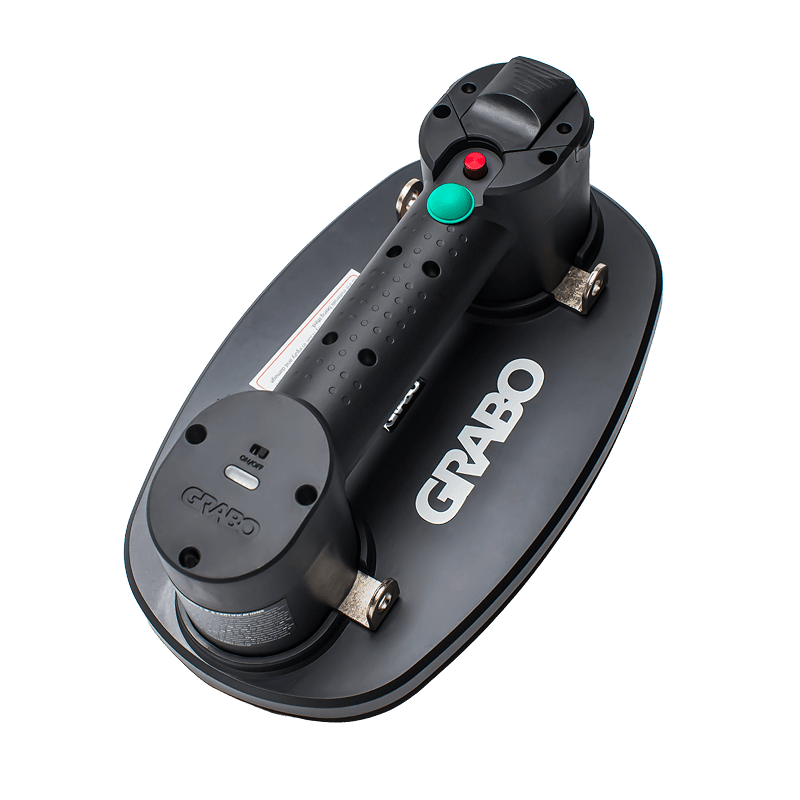
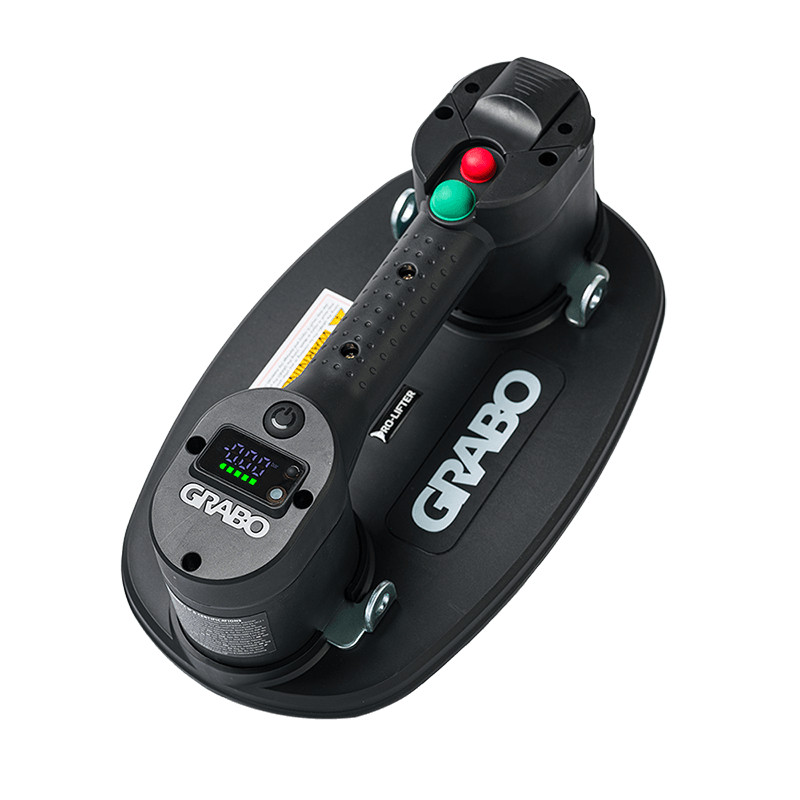
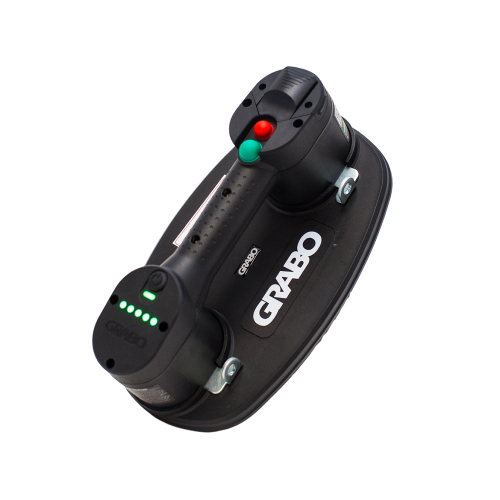
GRABO® Pro-Lifter 20 learning mode / recalibration mode :
Place the GRABO Pro-Lifter 20 on a non-porous surface such as a polished tile.
Slide the power ON/OFF switch in the ON position.
- Press the "measurement unit selector" for 10 seconds. When the red light turns green, release the "measurement unit selector"
- Wait about 5 seconds and the vacuum pump will start working. Let the device create full suction. If suction does not begin on its own, press the device downward to create a seal. Full suction is achieved when the digital display numbers have reached their highest point and don't continue to increase.
- When full suction is reached, press the "measurement unit selector" again for 3 seconds until the green light flashes and the pump turns off.
- Turn the device off and on again with the the power ON/OFF switch.
*The device is now calibrated and the values in the digital display window should be correct.
Important
Important : The GRABO Pro-Lifter 20 will display incorrect values on the digital display if the device is not calibrated on a non-porous surface such as tile or glass. If this occurs, the calibration process must be repeated on a non-porous material. DO NOT perform this process on glass that is thinner than 6mm. Damage can occur to glass that is thinner than 6mm.
Note: The reset procedures apply only to Pro units with flip switches. They will not affect Pro units with push buttons.



Become a GRABO Insider
Want the latest news on new GRABO electric lifter technology? Get access to priority updates and other exciting bonuses now.